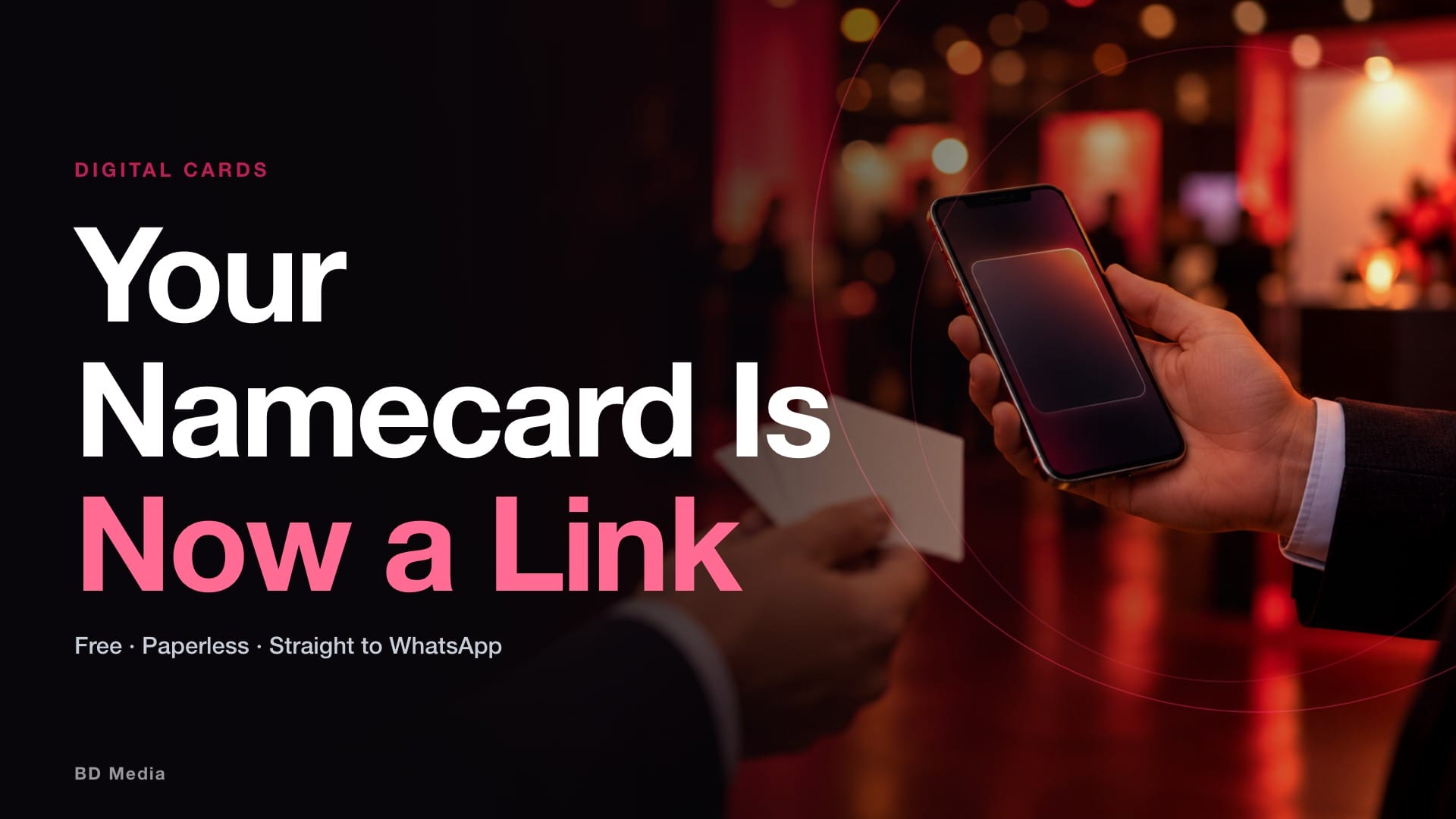
If you go to three events a week, a box of paper cards is a running cost, a printing lead time and a pile of cards you will never scan. A digital namecard removes all three, and in Malaysia the free option has quietly become the default.
This is a guide to doing it properly: what a digital business card is worth, how to build one in under two minutes, and the sharing method that matters most when you are meeting people back to back rather than one at a time.
Disclosure, up front: WAPP.MY is operated by Big Domain, the company behind BD Media. We are writing about our own product. Where it has limits, we say so.
Digital business card Malaysia: what you actually get for free
The pitch is simple. Instead of a printed card, you get a web page that works as your professional identity — a photo, your position and company, a short bio, your contact details, and links to your social profiles.
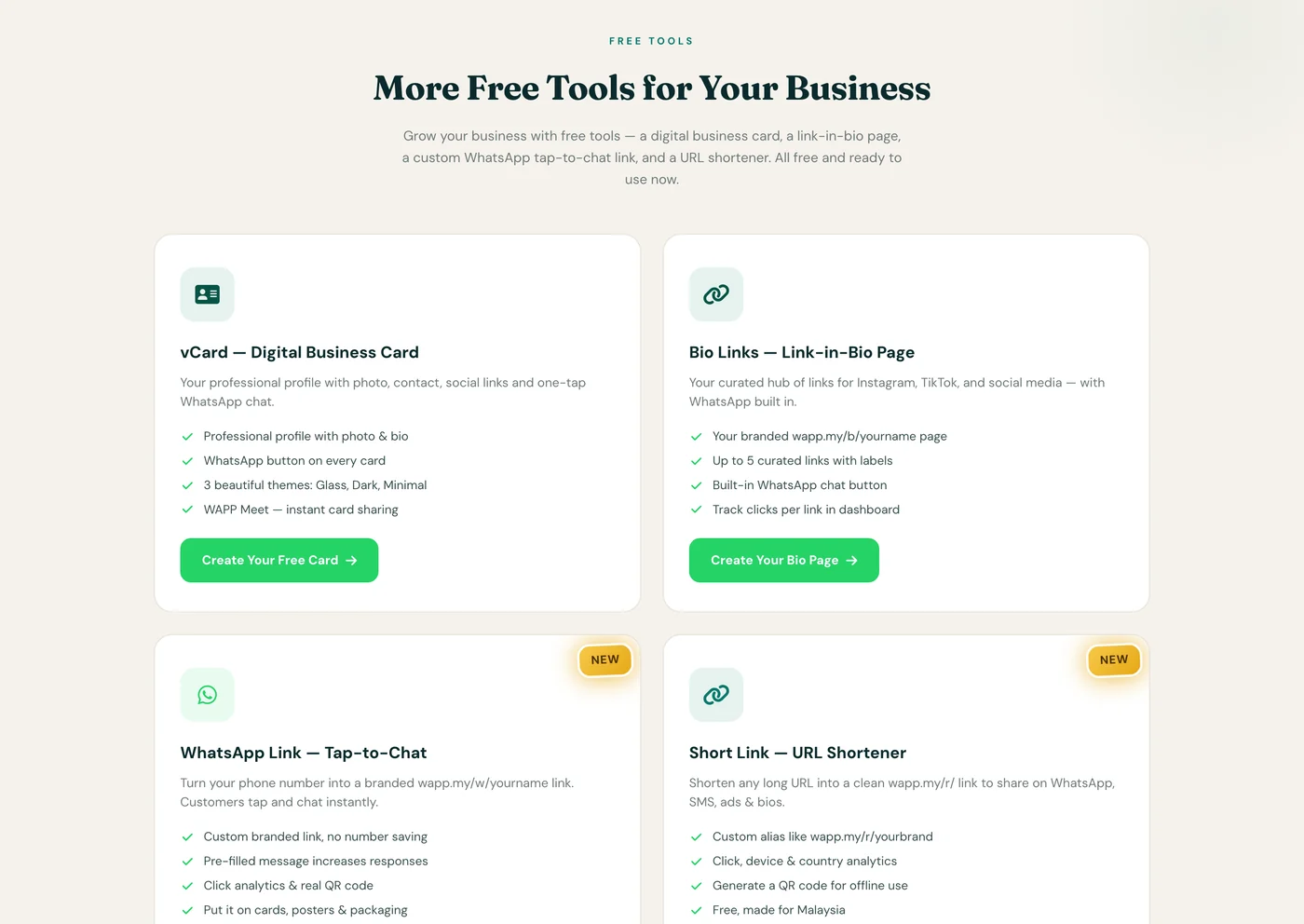
The card lives at a URL in the form wapp.my/v/yourname. No app is downloaded by you and none by the person receiving it — it opens in a browser like any other page. That matters in Malaysia, where asking a new contact to install something is the fastest way to lose them.
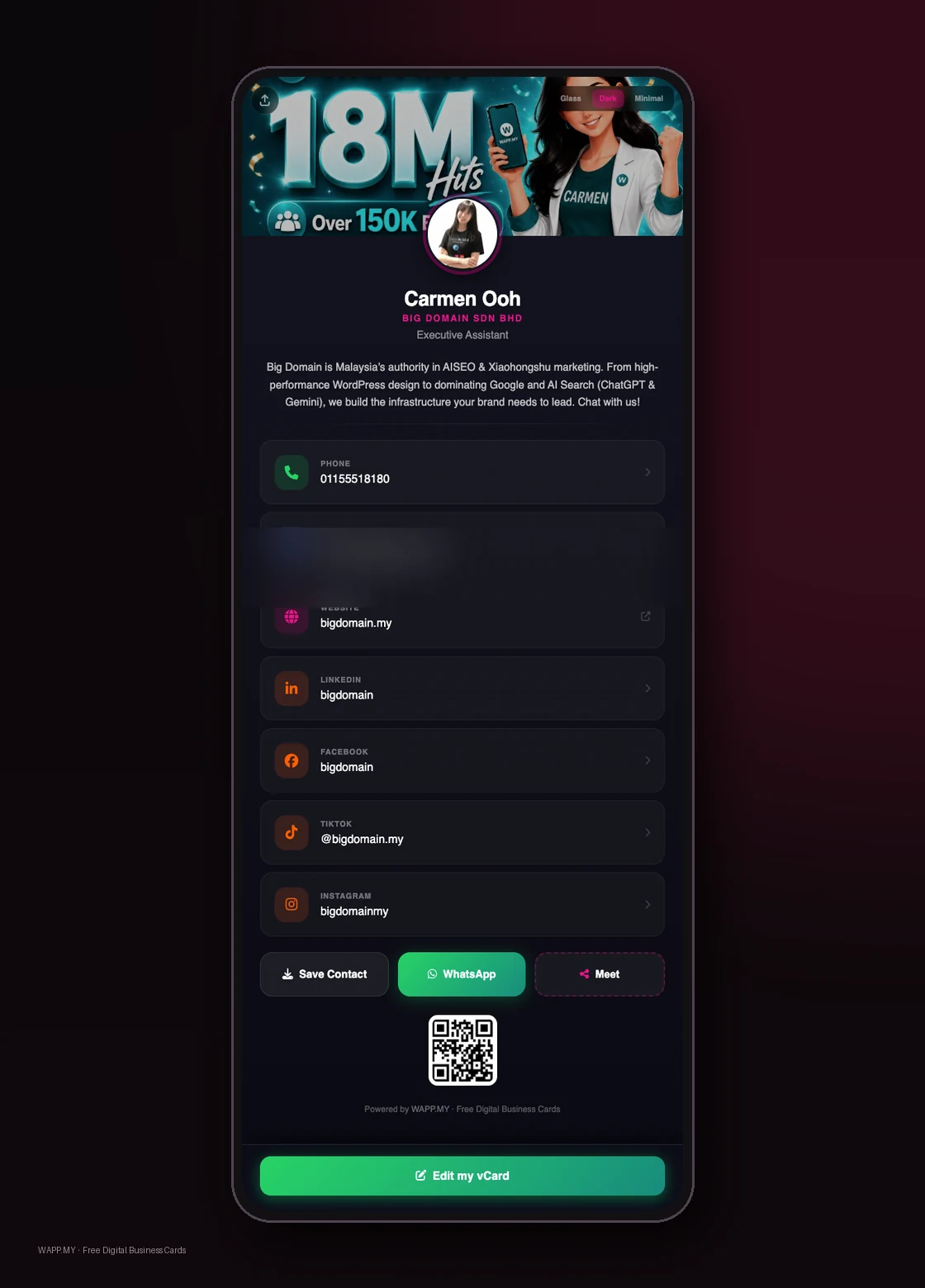
Here is what the free tier carries, per the vendor’s own feature list: profile photo and bio, position and company, phone, email and website, up to six social links covering LinkedIn, Instagram, YouTube, TikTok and Facebook, three themes called Glass, Dark and Minimal, a one-tap save that writes a .vcf contact file straight to the recipient’s phone, and view tracking on your dashboard.
The whole thing is free, including unlimited views and unlimited shares. The vendor states plainly that advanced analytics is where paid features are planned, not basic use.
How to create your card, start to finish
- Sign up. Use an email address or a Google account. The card is created automatically at sign-up, and no card details are required at this stage.
- Fill in the profile. Photo, name, position, company, a short bio, your phone number and website, then your social links. Keep the bio short — this is a landing page, not a CV.
- Pick a theme. Glass, Dark or Minimal. If you do not know your audience, Minimal is the safe choice; Glass reads better on a phone screen in daylight.
- Save and grab your links. Your live card URL, and your QR code as a PNG you can drop into a slide, a menu or a lanyard badge.
Two minutes is a realistic estimate for the setup itself. The part that takes longer is deciding what to cut from your bio.
WAPP Meet: built for back-to-back networking
This is the feature that separates a digital card from a link in your bio, and it is the one to understand before an event.

The normal ways to hand over a digital card each break somewhere. A QR code needs the other person to open a camera, and half the room will not. An NFC tag needs their phone to support it and to be unlocked. A printed link needs you to have remembered to print it.
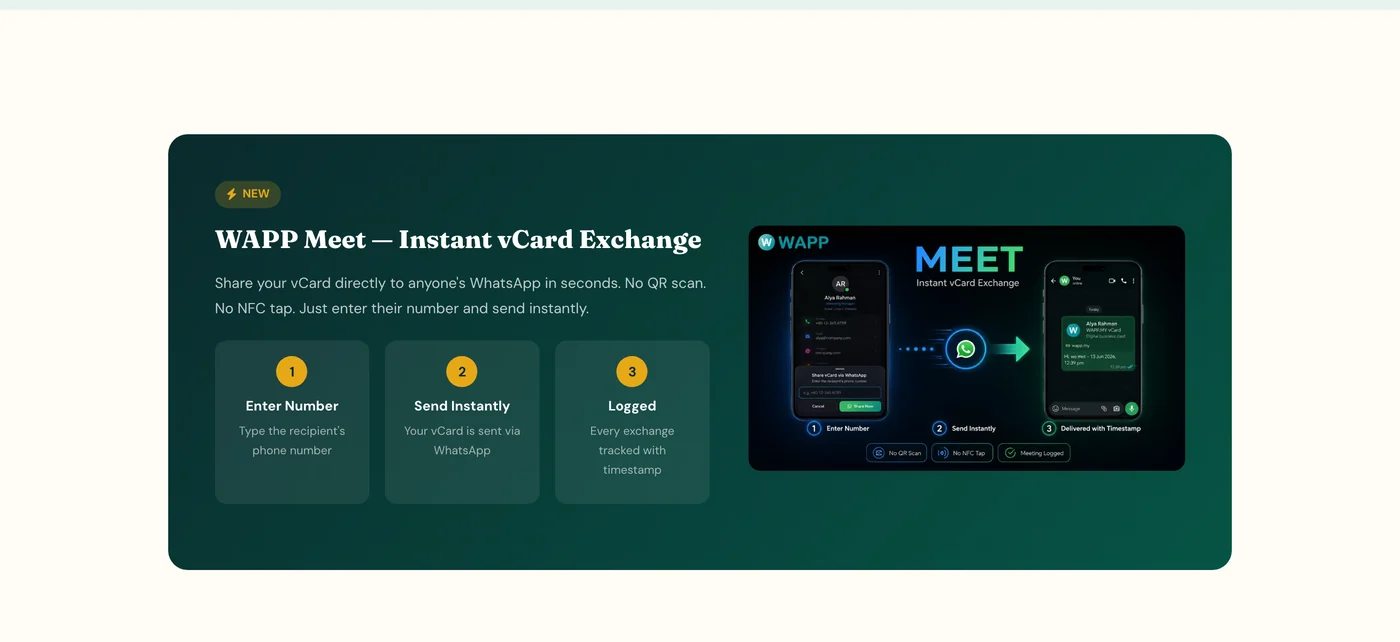
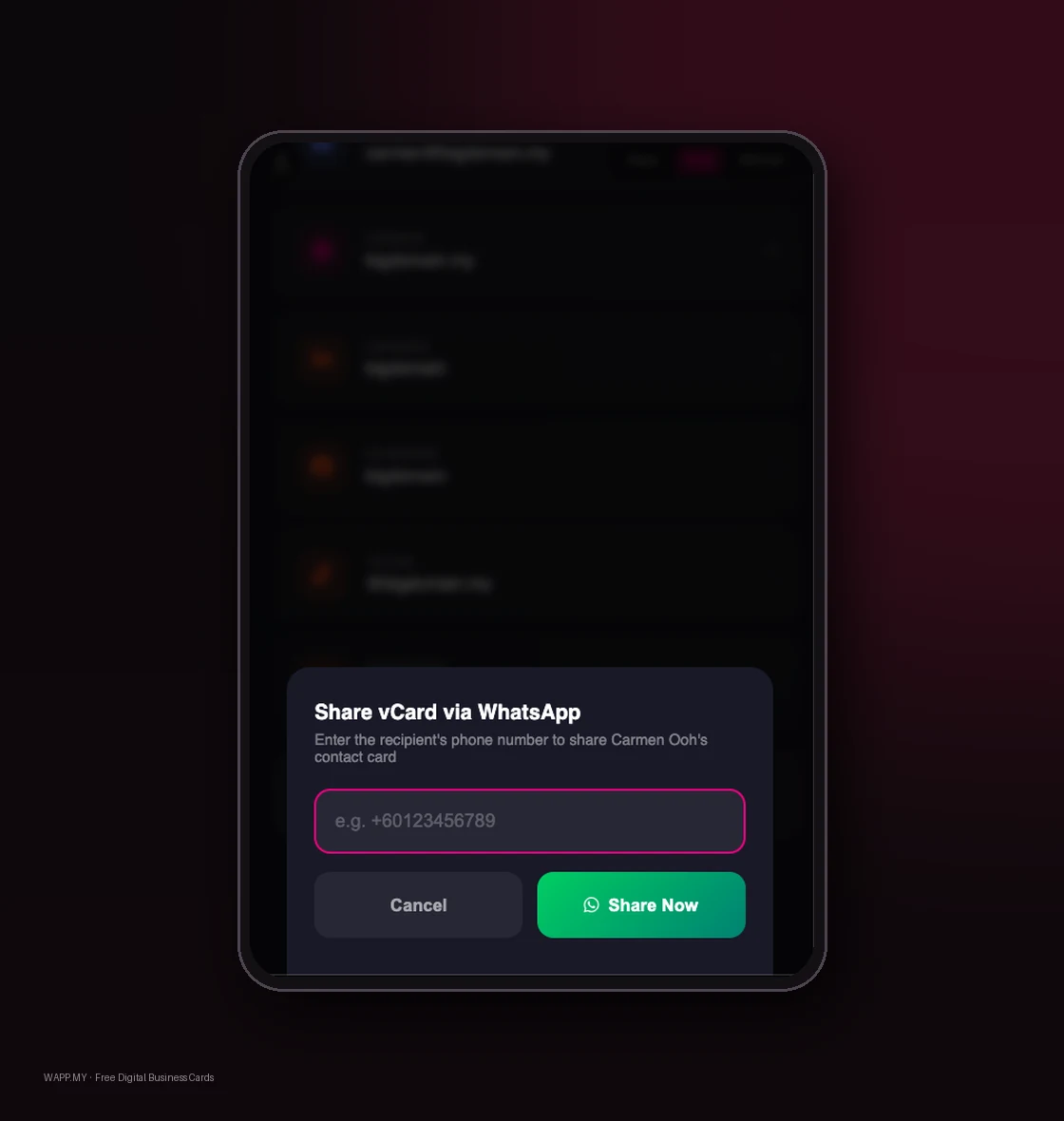
WAPP Meet drops all three preconditions. You type the recipient’s phone number, and your card is sent to their WhatsApp. Their number is the only thing you need, and you already have it because they just gave it to you or you just took it.
- Enter the number. Type the recipient’s phone number into the Meet panel on your card.
- Send instantly. Your vCard is delivered to that WhatsApp chat — no scan, no tap, no app.
- It is logged. Every exchange is recorded with a timestamp, so the dashboard shows who you sent a card to and when.
That last step is the underrated one. After a conference you often have a stack of numbers and no memory of which conversation produced them. A timestamped log of card exchanges is a rough record of your day.
Sharing on WhatsApp — the four ways, in order of usefulness
Malaysian business runs on WhatsApp, so the card is designed to travel through it. There are four routes out, and they suit different moments.
| Method | Best moment | What the other person does |
|---|---|---|
| WAPP Meet | Standing in front of someone, high volume | Nothing. It arrives in their WhatsApp. |
| Share via WhatsApp | Already chatting with them | Opens your card from the message |
| Your card link | Email signature, ads, group chats, social bio | Taps the link |
| QR code | On a booth, a slide, a lanyard, a shopfront | Scans it |
For a busy event, the practical combination is WAPP Meet for people you actually speak to, and the QR code posted anywhere stationary so the people you never reach can still find you.
What to check before you commit
A few things are worth knowing, and not all of them are comfortable.
Your number is the delivery mechanism. WAPP Meet works because you have the other person’s number. If you met someone in a setting where you did not exchange numbers, the link and the QR code are still your fallbacks — Meet is not a replacement for them, it is a shortcut for the common case.
Free tiers change. The vendor lists advanced analytics as a future paid feature and click analytics on the short-link tool as arriving for free accounts. Assume the free line will move at some point, and do not build a process that collapses if it does.
Digital cards still need paper logic. A card is only as good as the follow-up. Nothing about a paperless card fixes a follow-up problem — it just removes the excuse that the card got lost.
On the wider direction of travel, the Malaysian government’s own digital plan assumes this shift. Malaysia Digital 2030 targets the digital economy at 30 per cent of GDP and 500,000 high-value jobs by 2030, with 95 per cent of government services delivered fully online. Small operational habits move in the same direction as the policy.
The short version
Build the card once, in a couple of minutes. Carry the link and the QR everywhere, in your email signature, your social bio and on anything printed. Then use WAPP Meet when you are physically in front of someone at an event — that is the case paper never solved well either.
The reason this matters for a Malaysian business is not the stationery saving. It is that a paper card ends a conversation and a digital card starts one, because it carries a live WhatsApp button on it. That is the whole difference.
Setting up your team’s cards
Big Domain works with Malaysian businesses on the digital layer behind their customer contact — WhatsApp links, card pages, and the tracking that tells you which channel actually produced the conversation.
About BD Media
BD Media is the editorial desk of Big Domain. We write about the tools, rules and deadlines Malaysian businesses work with, and we name our sources so you can check them. Where we are writing about a Big Domain product, we say so at the top.
Sources
- WAPP.MY, vCard product page, retrieved 18 September 2026 — wapp.my/vcard. Card features, the three themes, the save-contact and view-tracking functions, the WAPP Meet three-step flow, the four sharing methods, and the statement that viewing and sharing are free with unlimited shares.
- WAPP.MY, product home page, retrieved 18 September 2026 — wapp.my. The four free tools, the service’s operating history since 2019, and the link counter of 20,764,443 links generated at the time of retrieval.
- Xinhua, “Malaysia launches digital action plan to drive AI growth”, 30 June 2026 — china.org.cn. Malaysia Digital 2030 targets: digital economy at 30 per cent of GDP, 500,000 high-value jobs, RM4.5 billion in public sector savings, 95 per cent of government services online.
- Xinhua, “Malaysia’s digital development must move beyond connectivity: minister”, 10 September 2026 — english.news.cn. Ministerial framing of Malaysia’s next digital phase as translating technology into tangible business value.
Not obtained: an independent measurement of how many Malaysian businesses have switched from paper to digital cards, or of paper card volumes. No such figure was located, so none is quoted here.